CyberTelly
CyberTelly Qt
Media Player for TVHeadend, Sat>IP and IPTV
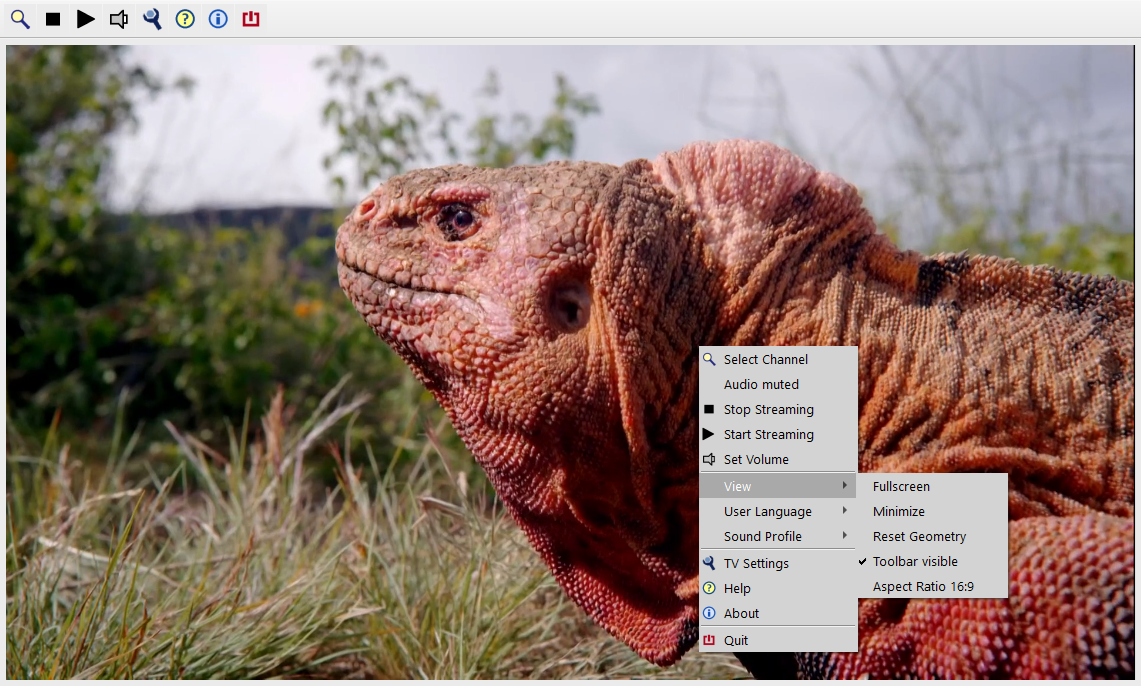
Downloads for Windows, MacOS, Linux x64 and Raspberry Pi OS see releases
The Essentials in a Nutshell:
CyberTelly is free software for watching TV on Windows, MacOS or Linux machines. It has two ways of receiving video streams:
- TVHeadend: If you have a TVHServer in your local network it can be used as a source for live TV and EPG.
- M3u Playlists: They can contain addresses of publicly available IPTV streams on the internet or channel information of a locally installed Sat>IP server / FritzBox Cable.
Getting started is very easy:
- Download setup file; see link above
- Install program
- Give it a try ...
CyberTelly comes with a preinstalled m3u playlist of freely available (mostly German) IPTV channels. It should be possible to watch TV without any further configuration.
Please note:
- IPTV only works with a stable internet bandwidth! Please check bandwidth if you are not sure, e.g. with nperf.com
- Users from countries outside Germany may experience geo blocking issues when trying to stream a German channel. May be it will be necessary to download a m3u list from https://github.com/iptv-org/iptv
- Please be aware, that websites offering IPTV playlists may contain unlicensed streaming sources. Downloading and installing playlists from the internet is in the users sole responsibility!
Basic hints on how to use the program see picture gallery with comments.
For detailed information see user manual.